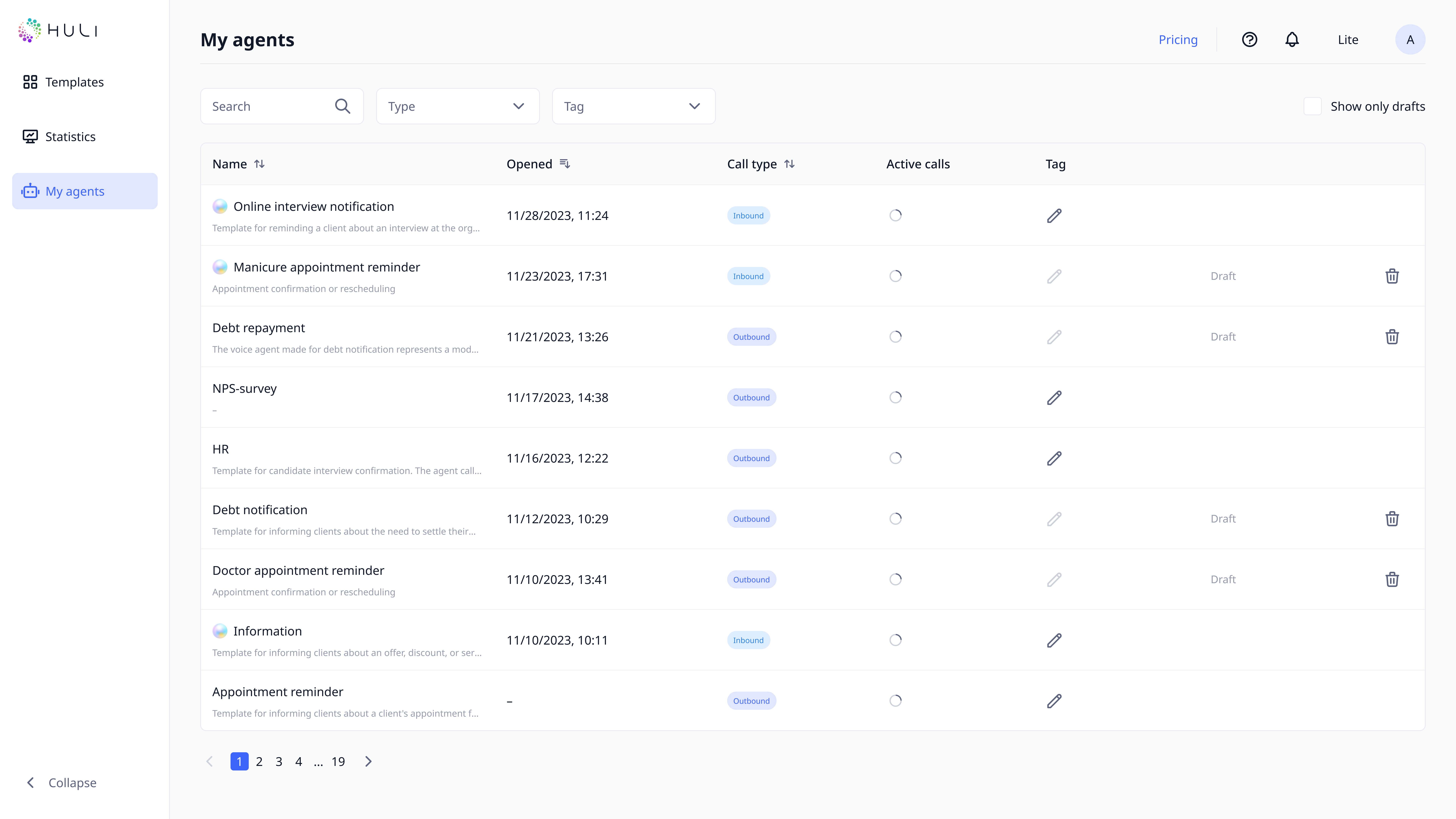
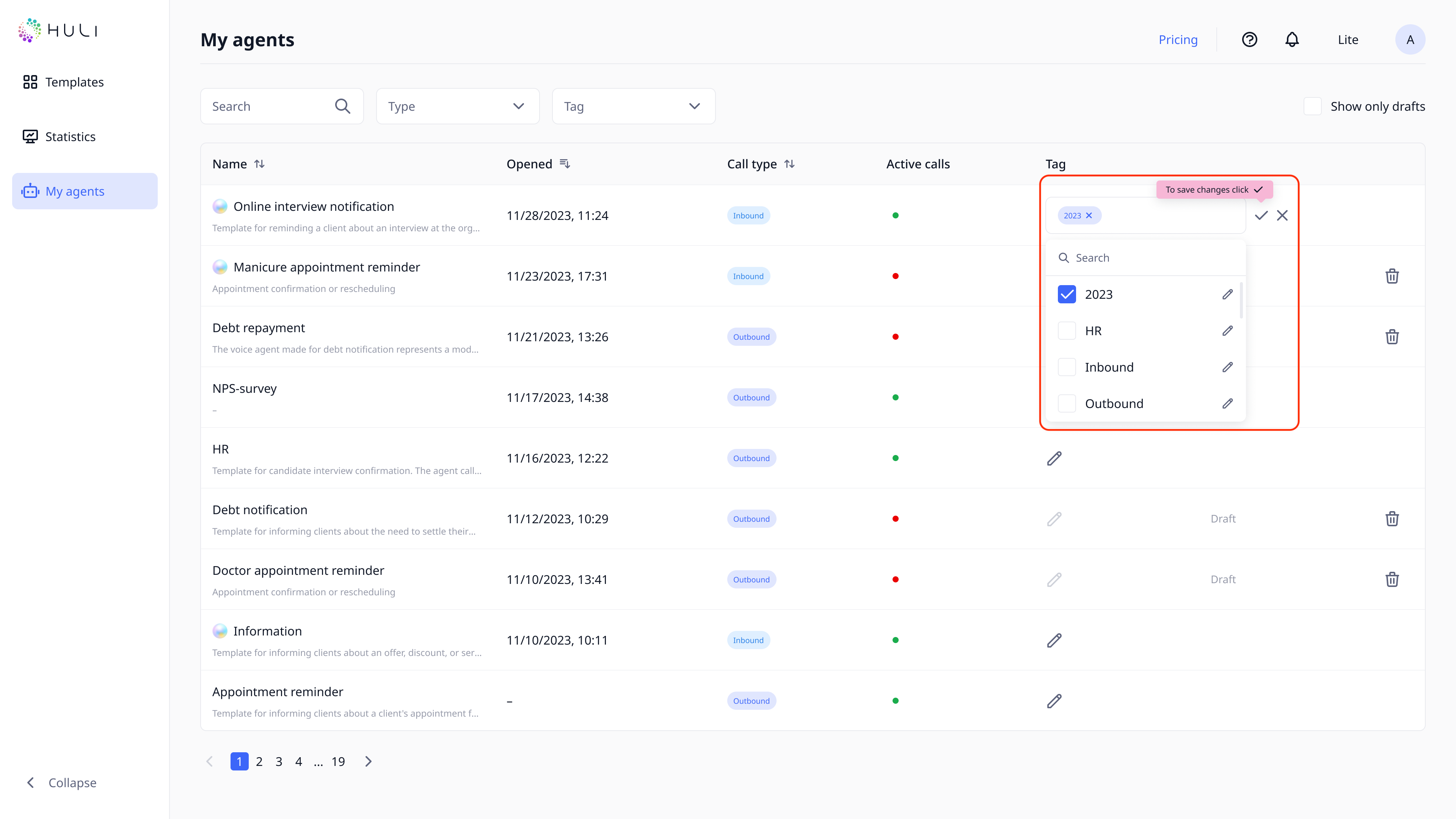
The "My agents" page displays a list of all robots you've created, showing their names, statuses, tags, and information about when they were last opened.
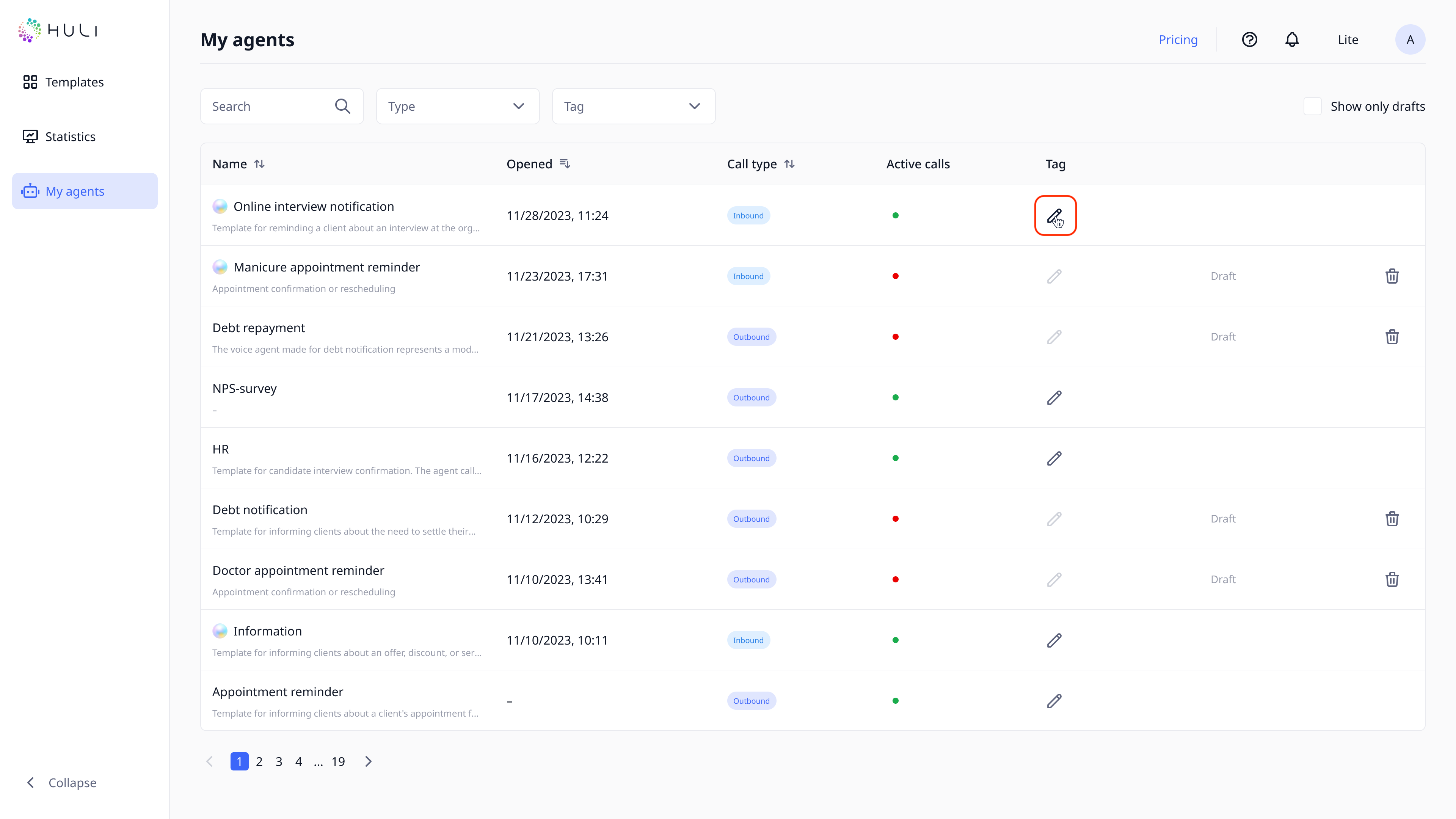
Agent statuses are displayed with colored indicators: green indicates an active agent, red indicates a disabled or inactive one.
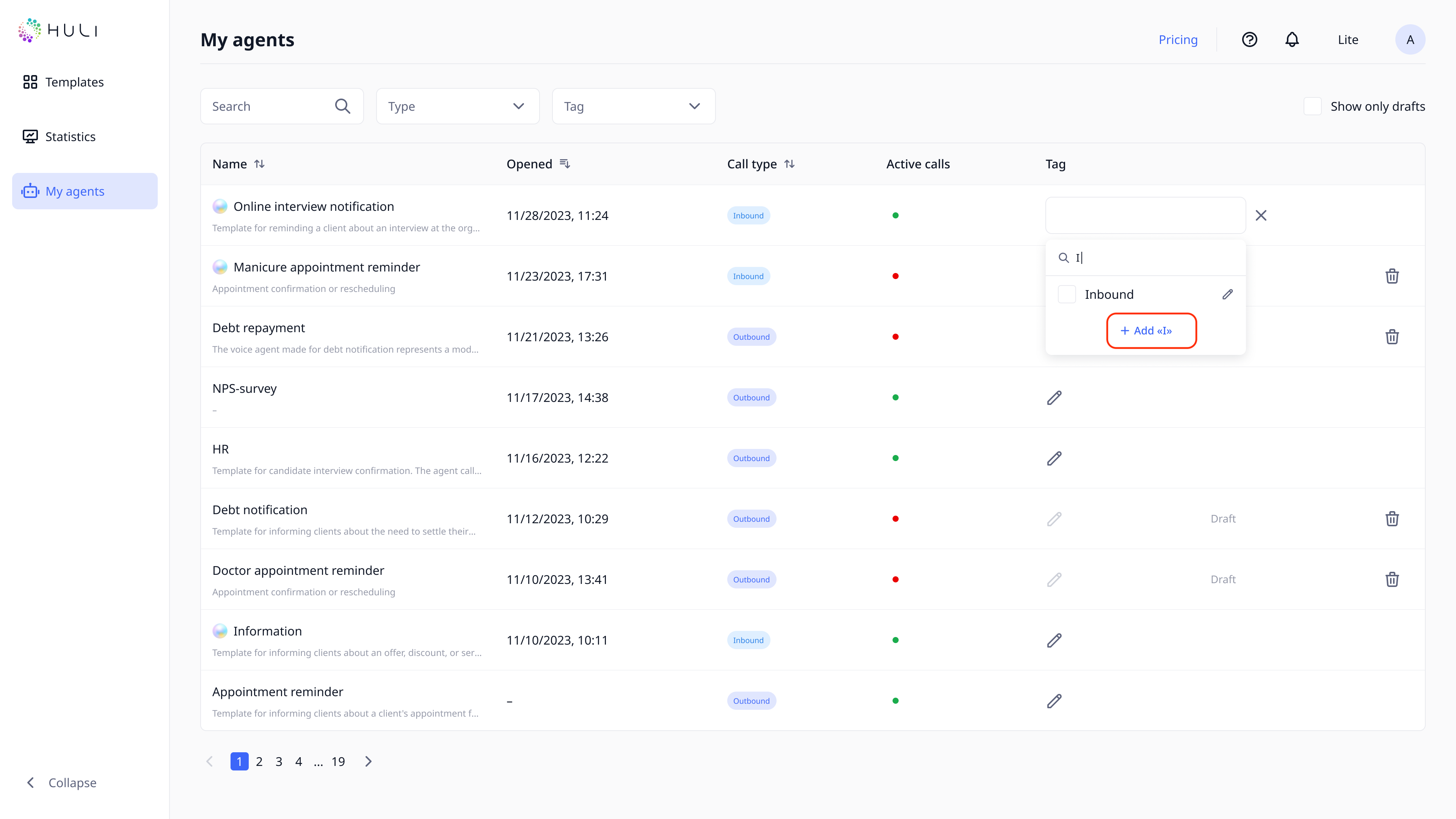
Tags allow you to classify robots for easier searching and management. To create a new tag, enter the name in the "Search" field and click "Add".
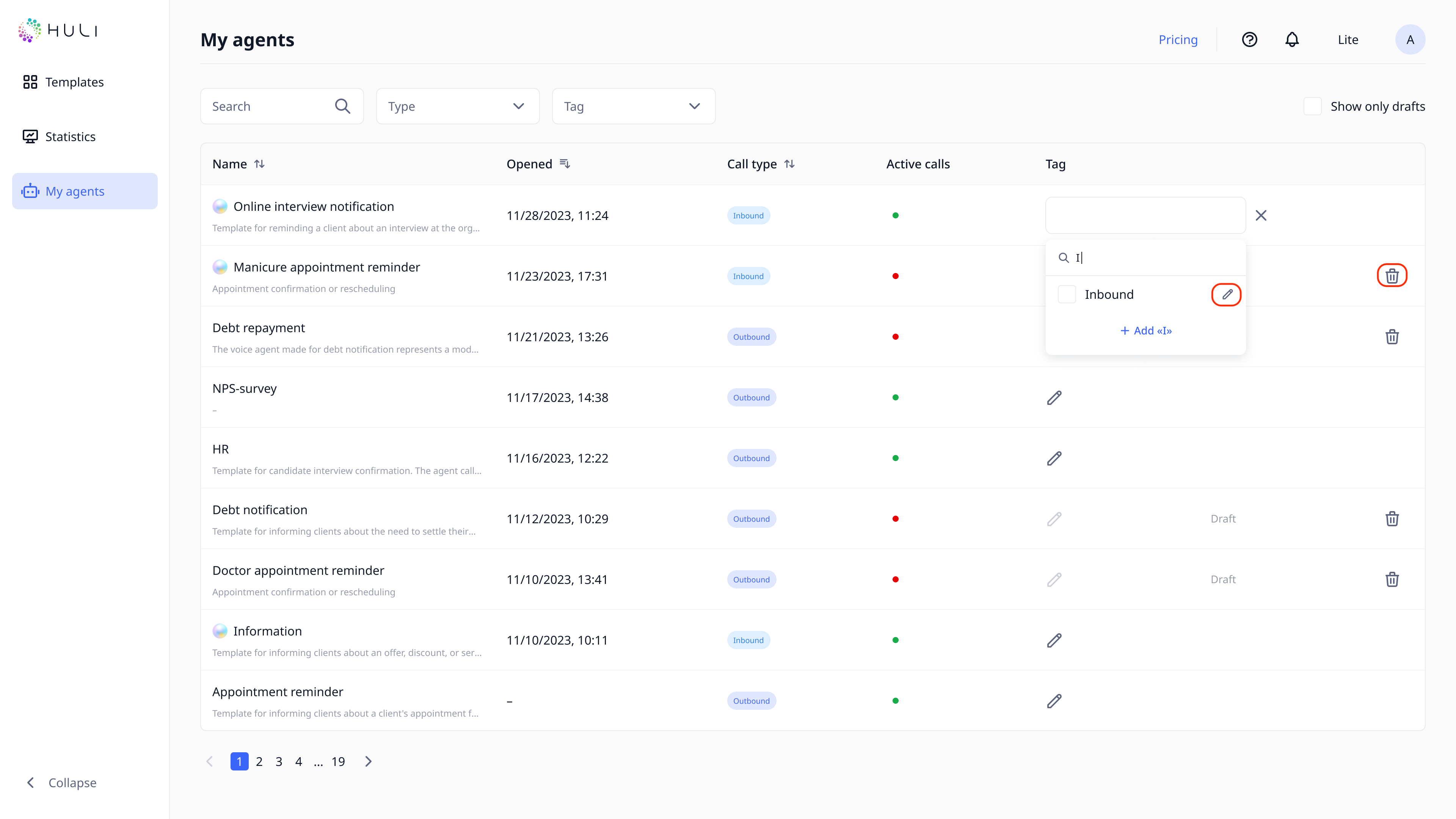
To edit or delete a tag, click on the pencil icon next to the tag and use the corresponding options in the window that appears.
Assign a tag to an agent by opening the agent's page and selecting the required tag.
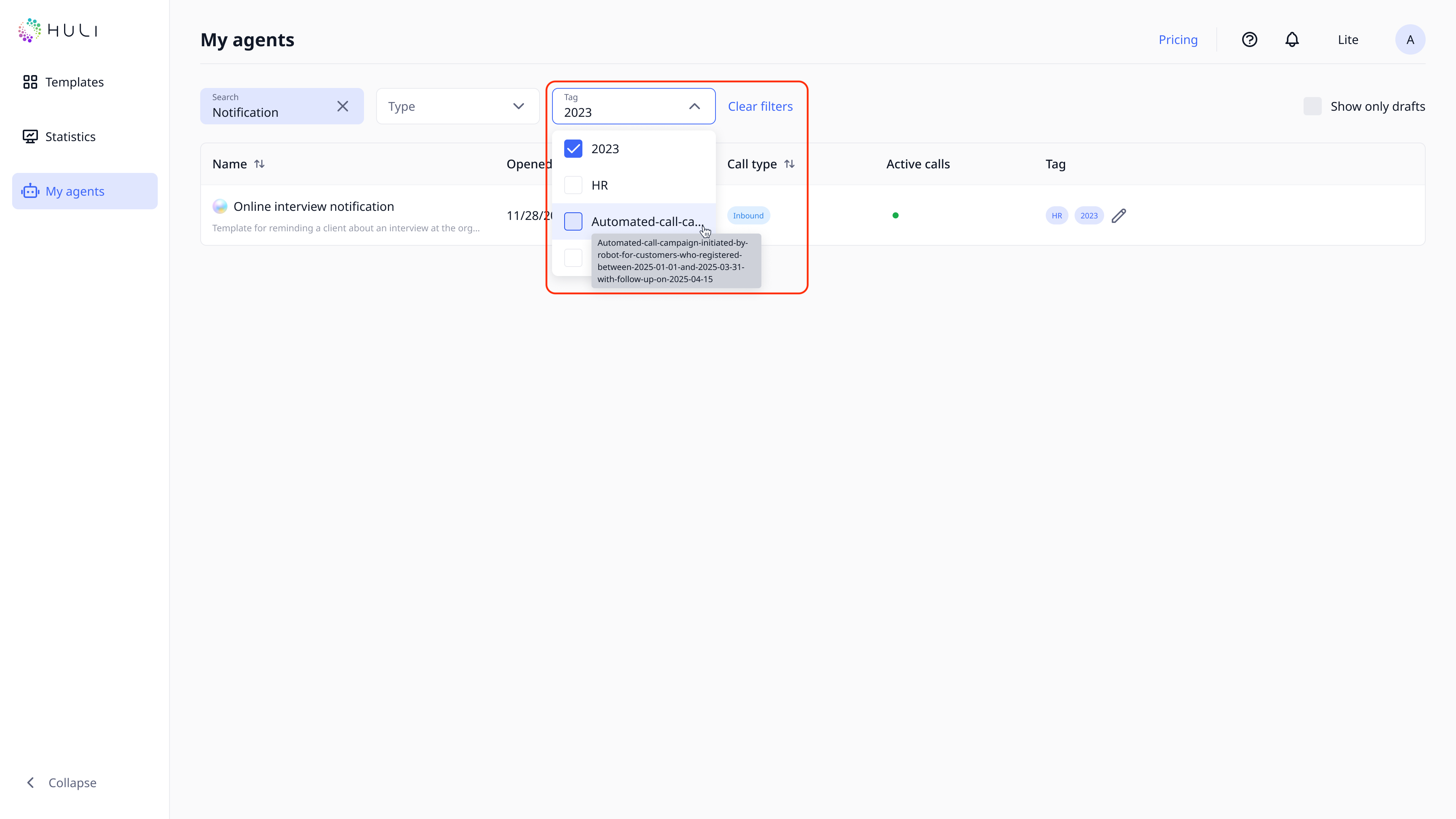
You can filter the display of agents by tags using the "Tag" filter.
¶ Filtering and Sorting Agents
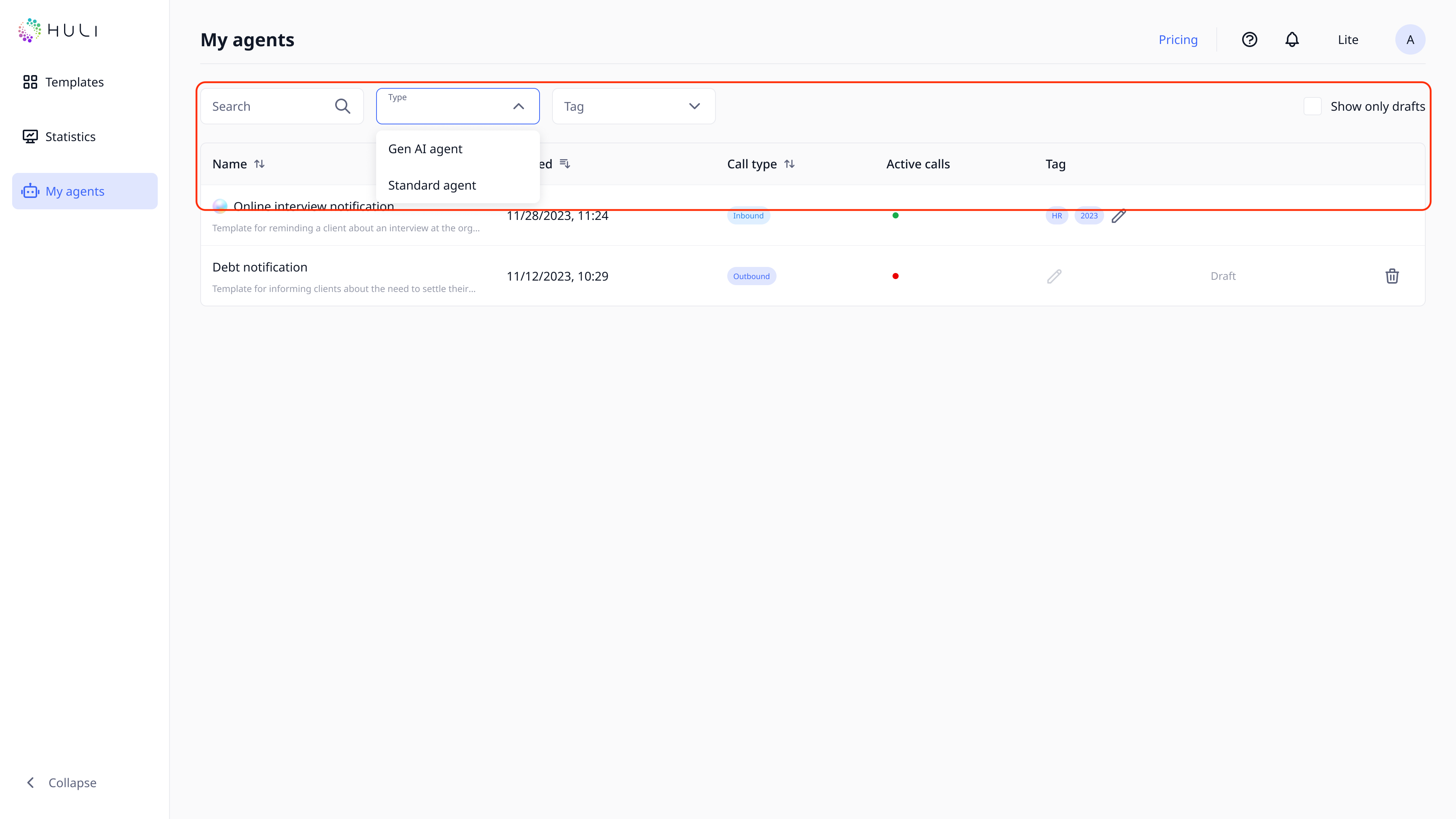
Use filters to display agents according to specific criteria. Filters are available for search, type of agent, tags and draft status.
Sort the list of agents by name or date of last opening by clicking on the column headers.
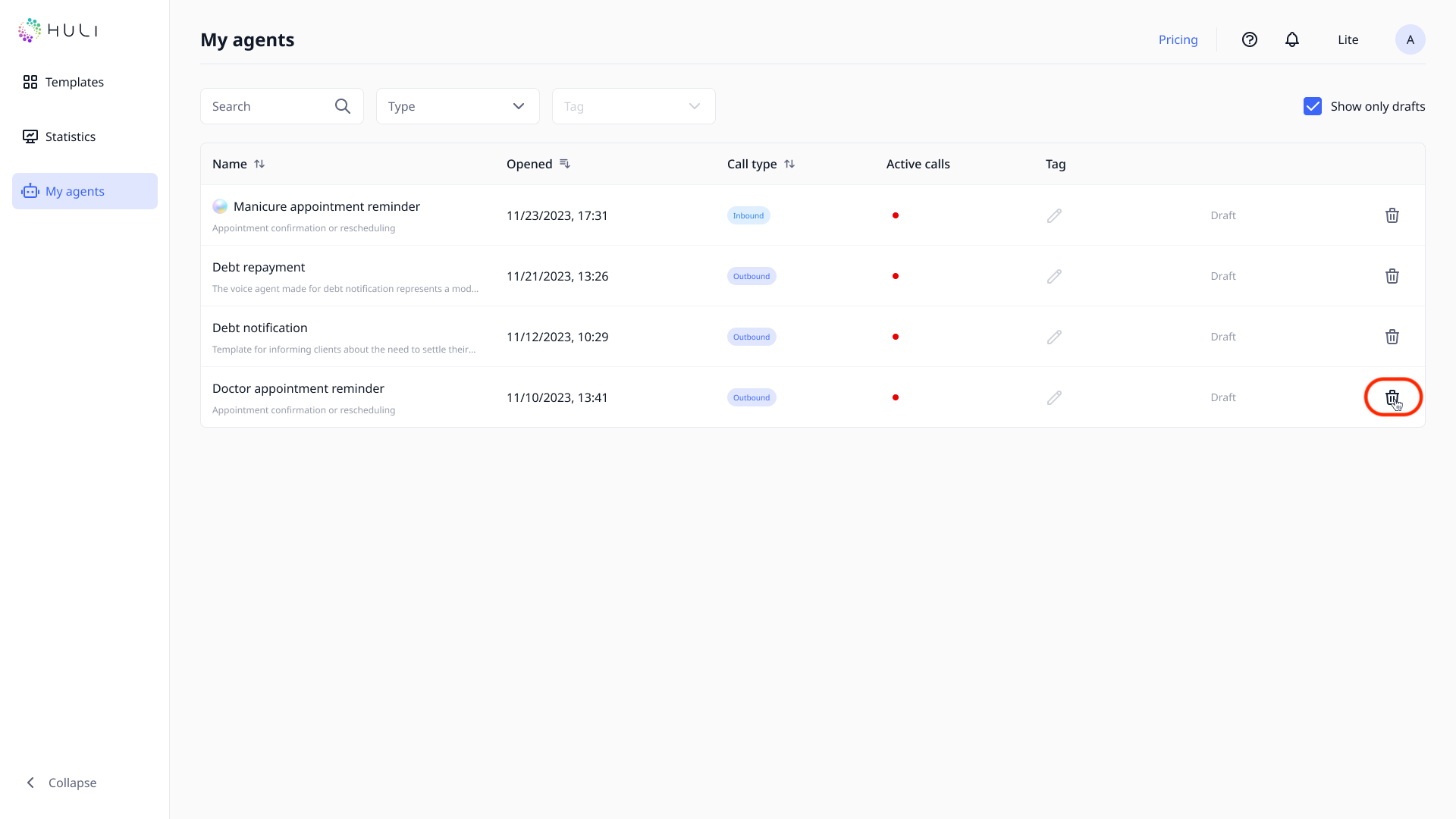
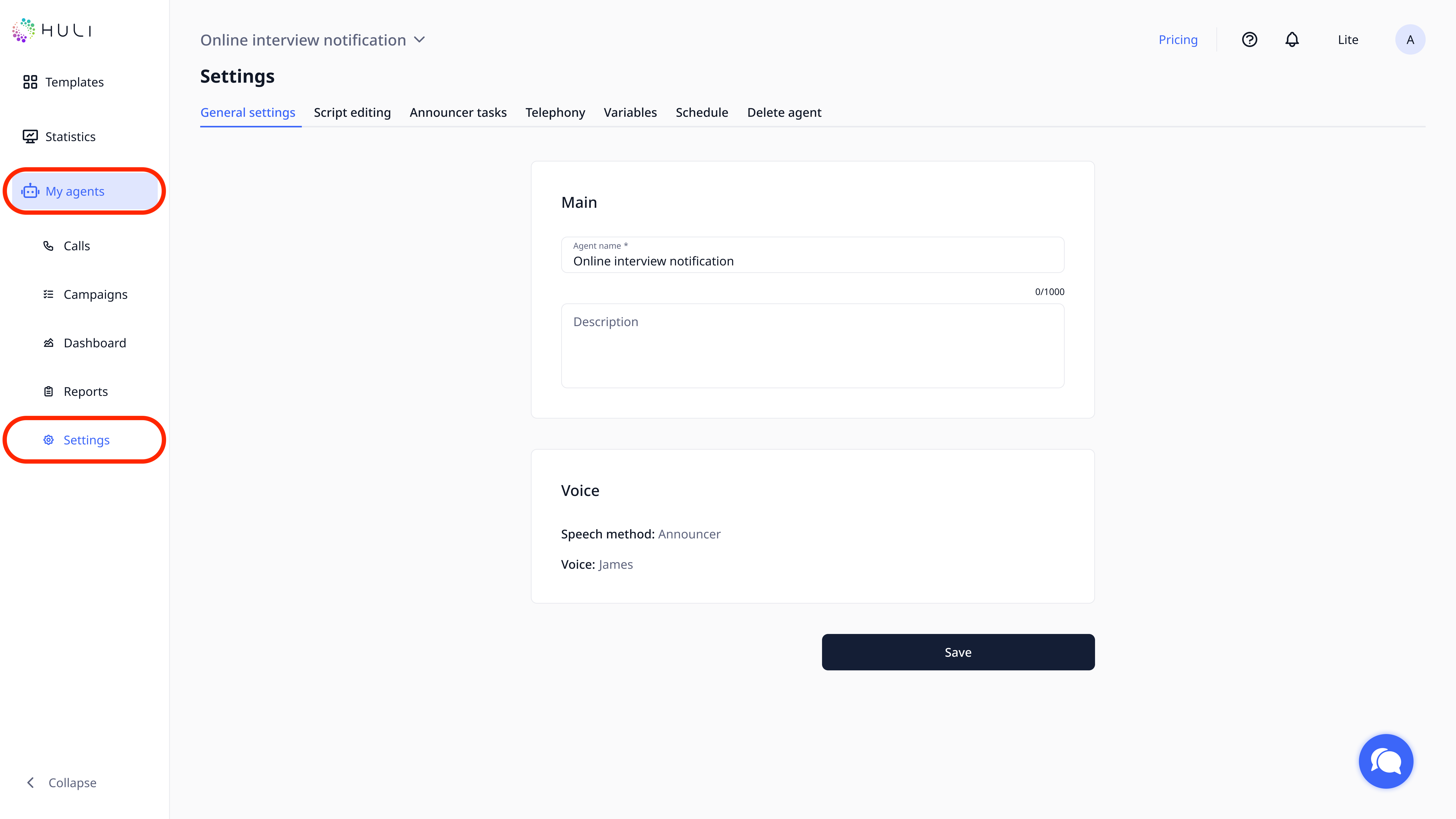
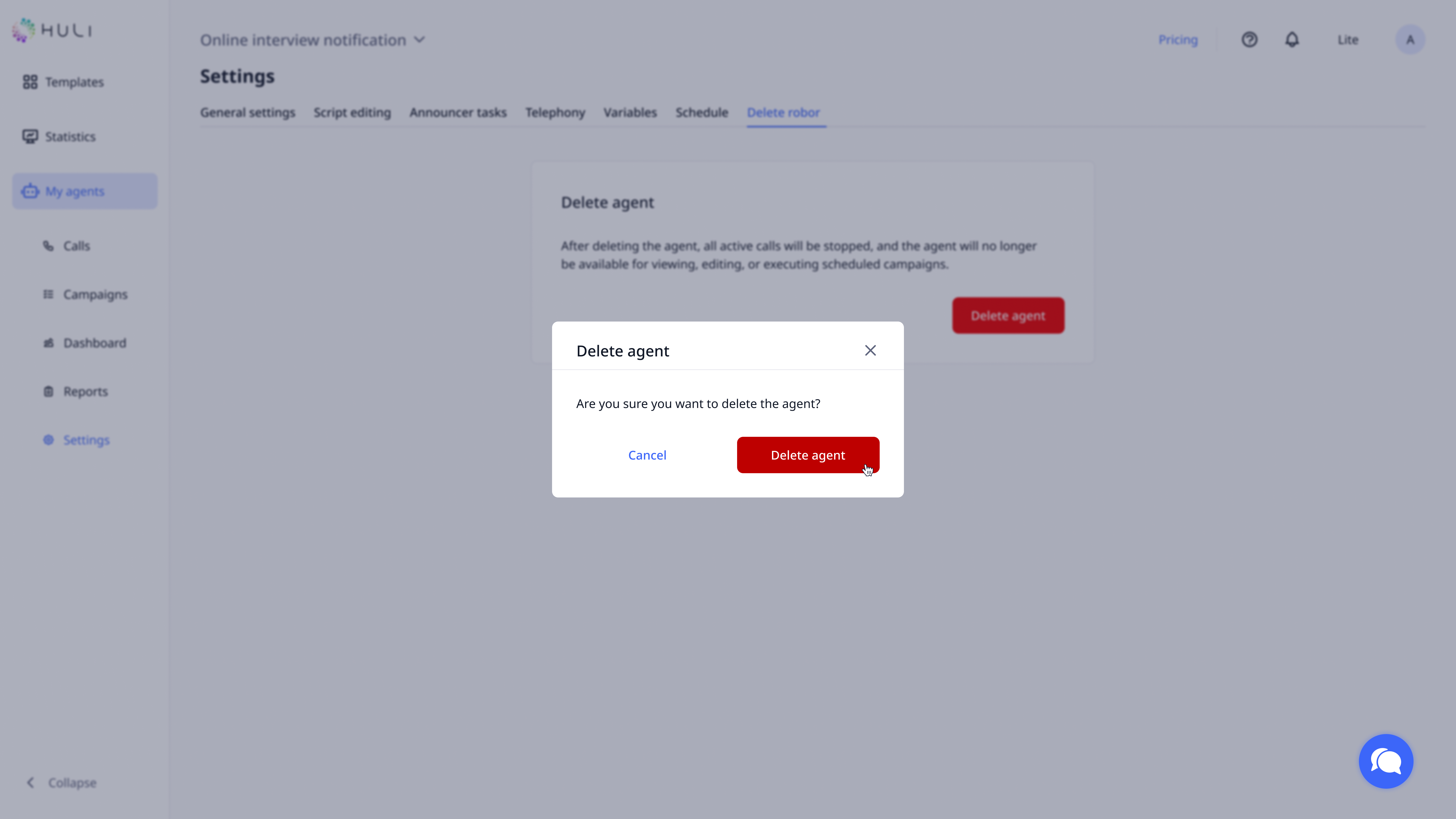
On this page, you can only delete agents that are drafts. To delete a fully configured agent, go to the page of agent and its settings.
¶ Creating and Editing Agents
To edit and configure agents you need to go to their pages through the page “My agents” and choose “Settings”.
You can deactivate (delete) your agent at “Delete agent” page in Settings.
Note : status can only be changed if the agent is fully configured and is not a draft.