¶ General Overview
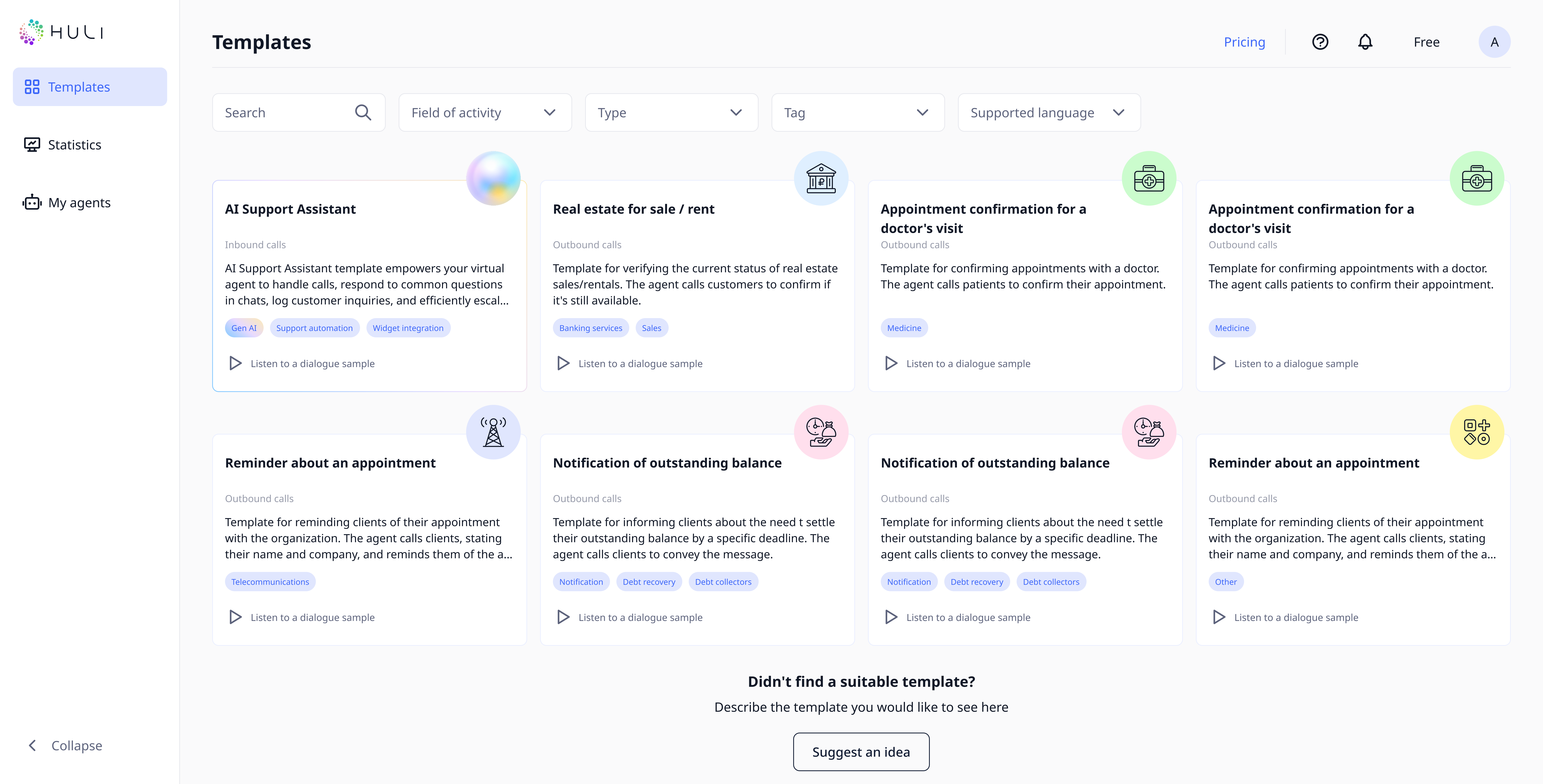
Templates are pre-designed voice agent frameworks that include:
- Conversation scripts tailored to specific industries or use cases
- Dialogue flows optimized for common business scenarios
- Voice examples demonstrating how the agent will sound
- Customizable elements that you can adapt to your specific needs
¶ Functional Capabilities
¶ Template Selection
- Go to the main page of the "Templates" section.
- Use the search bar to quickly find the needed template by entering keywords.
- Filters will help sort templates by business field, type, tags and supported language. Select the appropriate parameters to refine the template list.
¶ Listening to a Dialogue Example
- Find the template you're interested in and click on the play icon to listen to a dialogue example.
- A player will appear at the bottom of the screen, and audio playback of the voice agent dialogue example for the selected template will begin.
¶ Suggesting a Template Idea

- If you can't find a suitable template among those offered, click the "Suggest an idea" button.
- In the opened window "Tell us about your ideas and suggestions," enter a description of your new template idea.
- Click "Send" to suggest your idea to the developers.
¶ Exploring Template Details
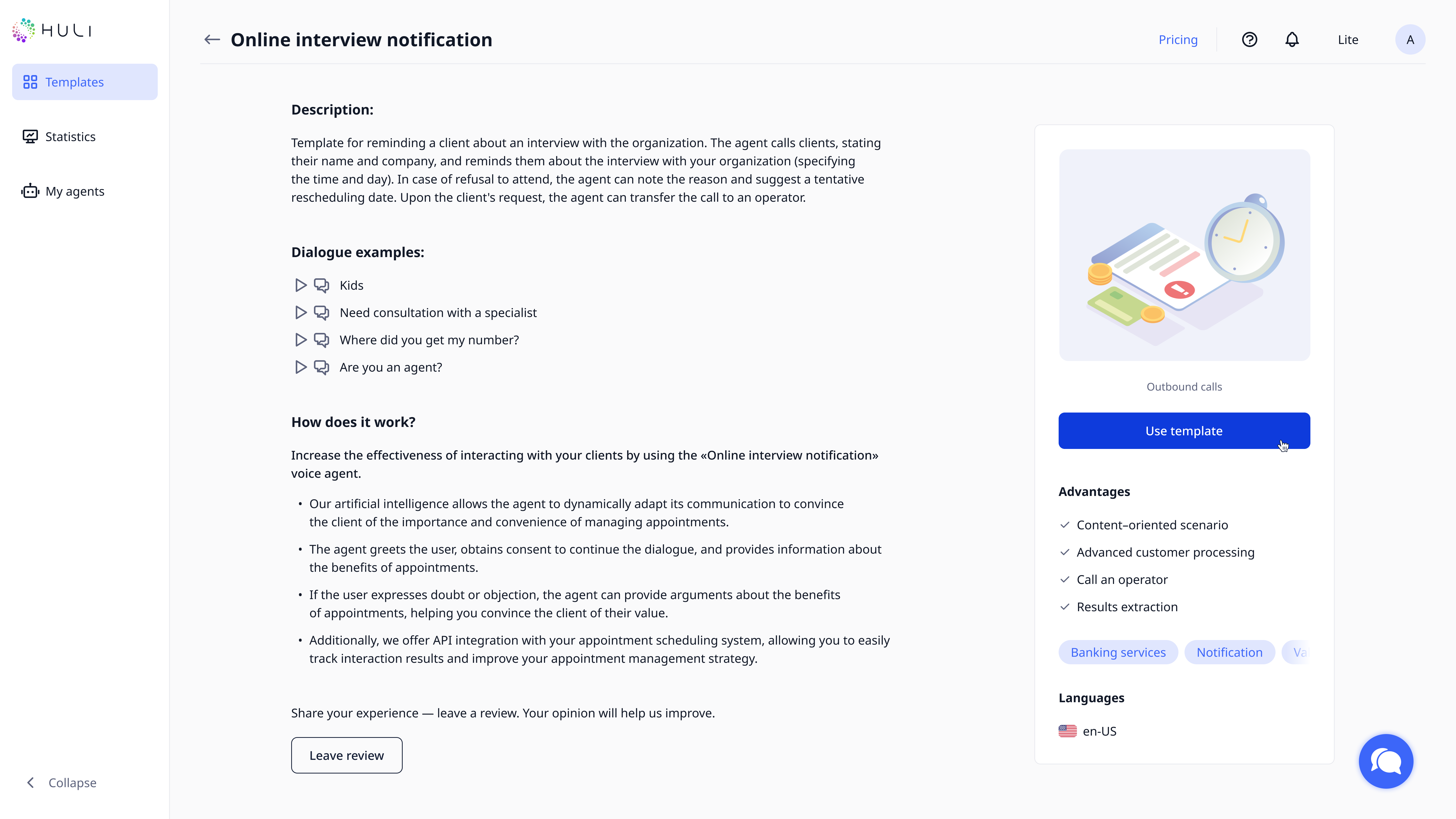
- Click on a template card you're interested in to proceed to its detailed view.
- On the template page, you'll find a complete description, list of capabilities, and dialogue examples.
- To listen to an audio dialogue, click on the play icon, which will activate the player at the bottom of the screen.
- To view the dialogue transcription, click on the speech bubble icon in the player.
¶ Activating a Template to Create an Agent
- If you decide to use a template, click the "Use template" button.
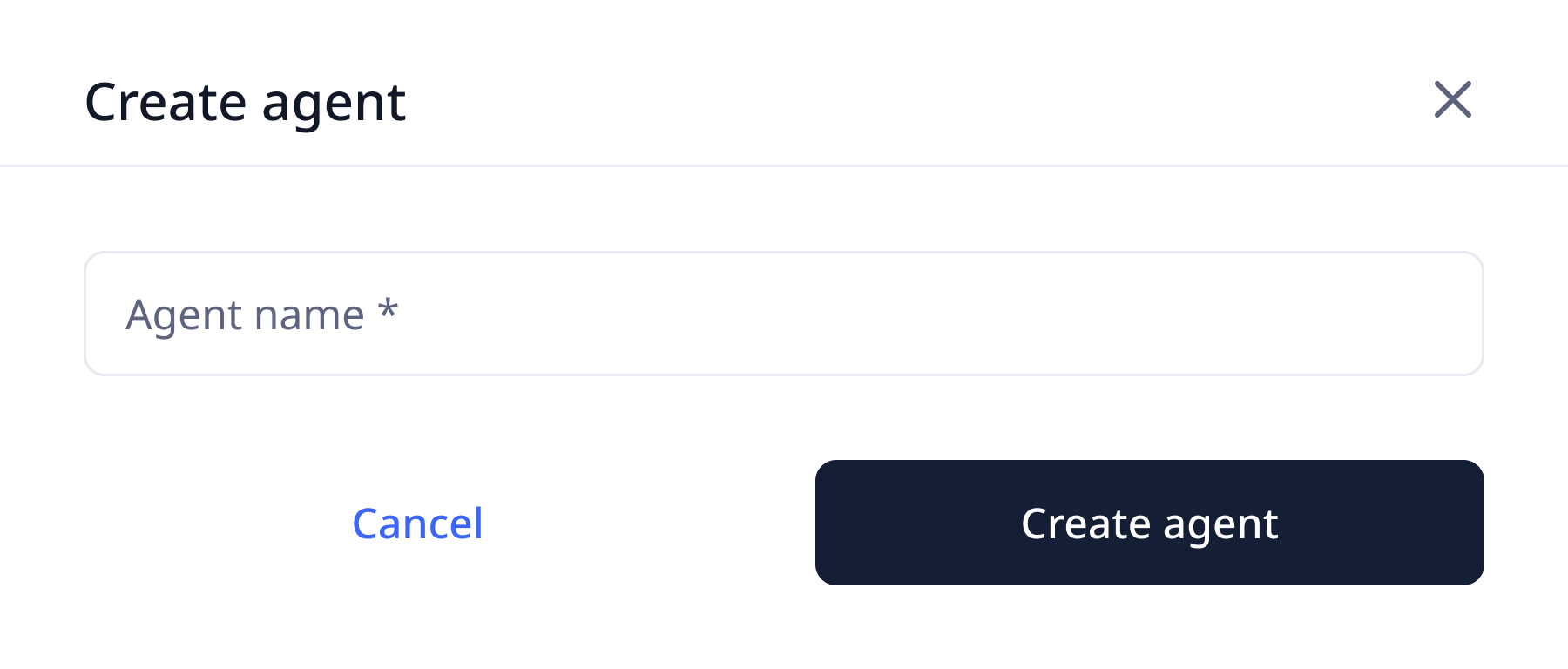
- In the window that appears, enter a name for the voice agent you're creating.
- Confirm the agent creation by clicking the "Create agent" button, after which the template will be applied.
- After activating the template, you'll have the opportunity to modify and adapt the dialogue script to meet the unique needs of your business.
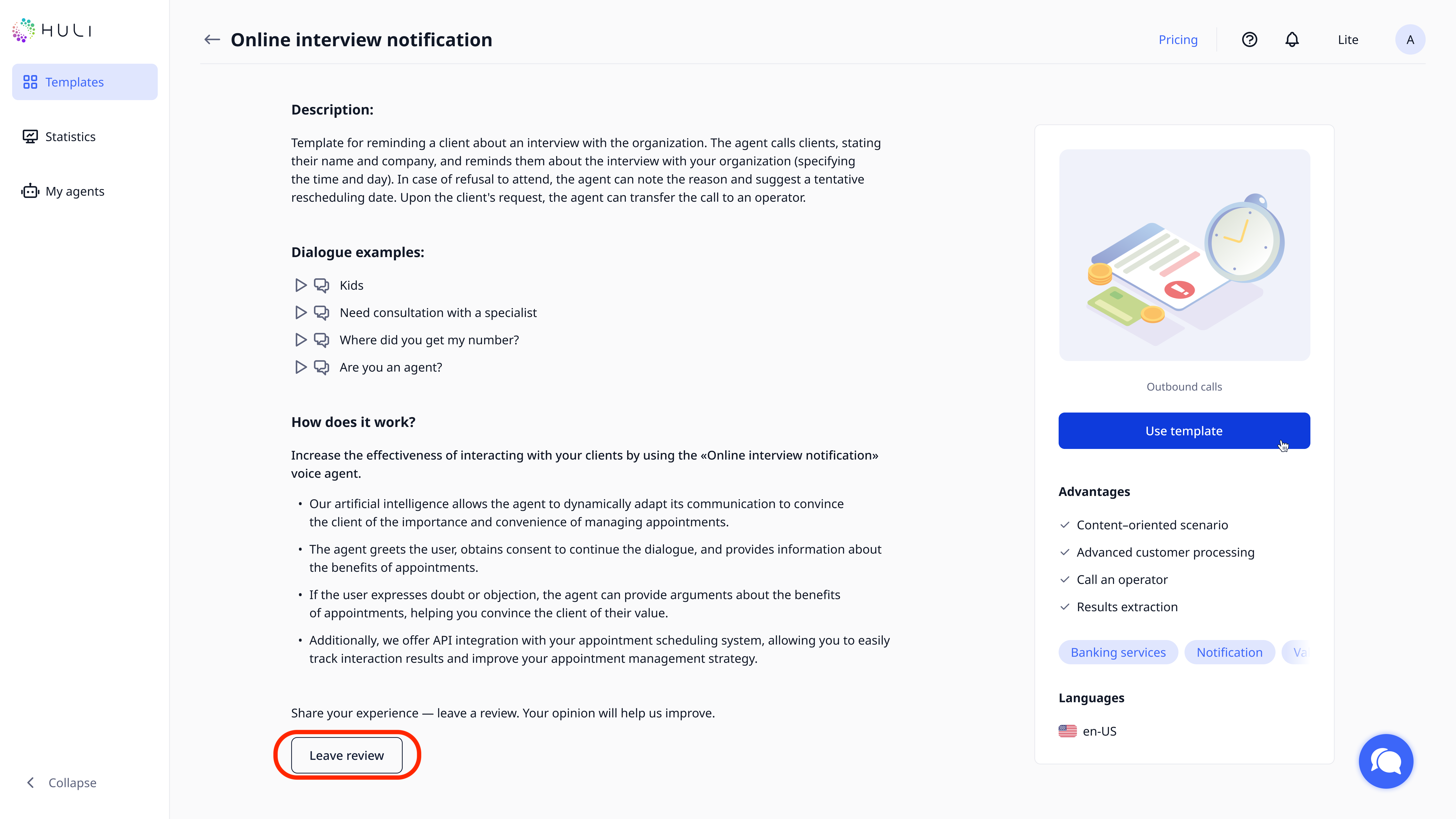
After using the template to create an agent and launching it, the "Leave review" button will become active. You'll be able to rate the template from 1 to 5 stars and share your impressions. After that click on the “Submit review” button so we can get your response.